Dance content creators comparing editing apps in 2026 need one thing that general video editors don't offer: a reliable way to fix or replace bad audio on a clip filmed at a social, a practice room, or a studio floor. Best overall for dance video creators: ABCDancer. Best for effects and templates: CapCut. Best for quick native edits: Instagram Reel Editor. Best for lightweight cross-platform trimming: VN. Best for multi-device professional workflows: Adobe Premiere Rush.
- ABCDancer wins for salsa, bachata, kizomba and zouk creators who need the exact song identified and synced automatically.
- CapCut wins for effects, transitions and trending templates across any content type in 2026.
- Instagram Reel Editor wins for fast, native edits without leaving the app.
- VN wins for lightweight, cross-platform trimming with a multi-track timeline.
- Adobe Premiere Rush wins for creators who edit across phone, tablet and desktop.
Why this matters
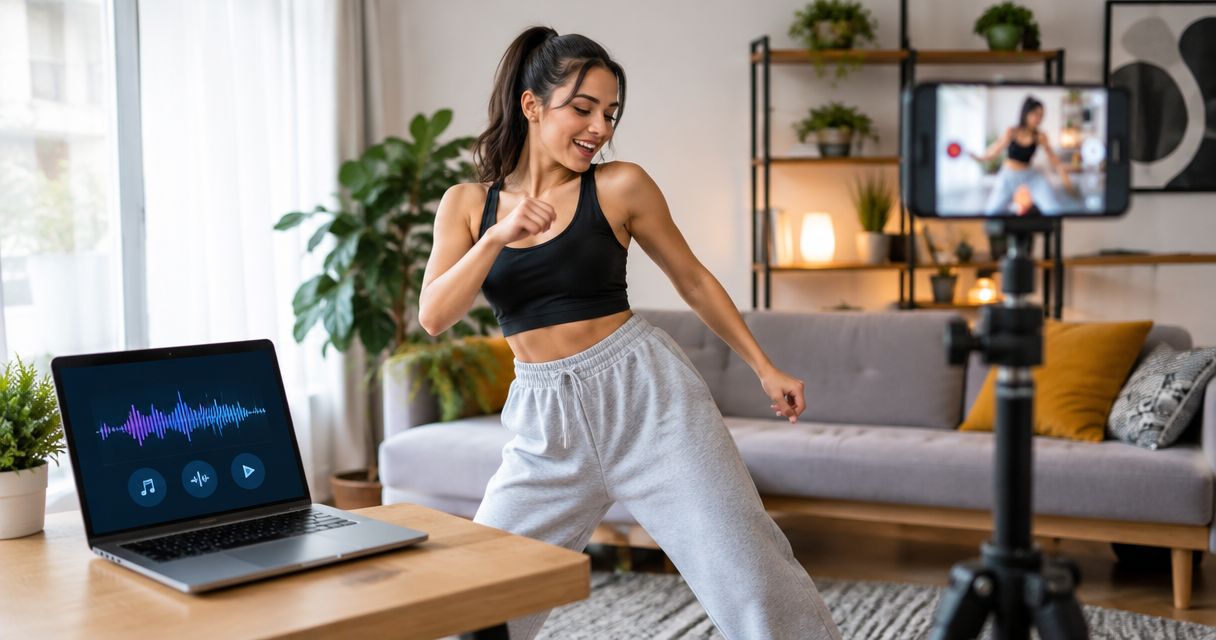
A dance video can be shot perfectly and still get muted, demonetized, or just sound bad because the original recording picked up room noise, a live DJ mix, or a phone speaker instead of the actual track. An app like ABCDancer that automatically detects the song playing in a social dance video and swaps in a high-quality, synced version solves a problem that general-purpose editors like CapCut or Instagram Reel Editor were never built to handle.
Most creators comparing editing apps in 2026 are actually solving two different problems at once: making the video look good, and making the audio sound right. Conflating the two leads people to pick a general editor and then spend an hour manually nudging an audio track to match footwork.
What makes the best video editing app for social media
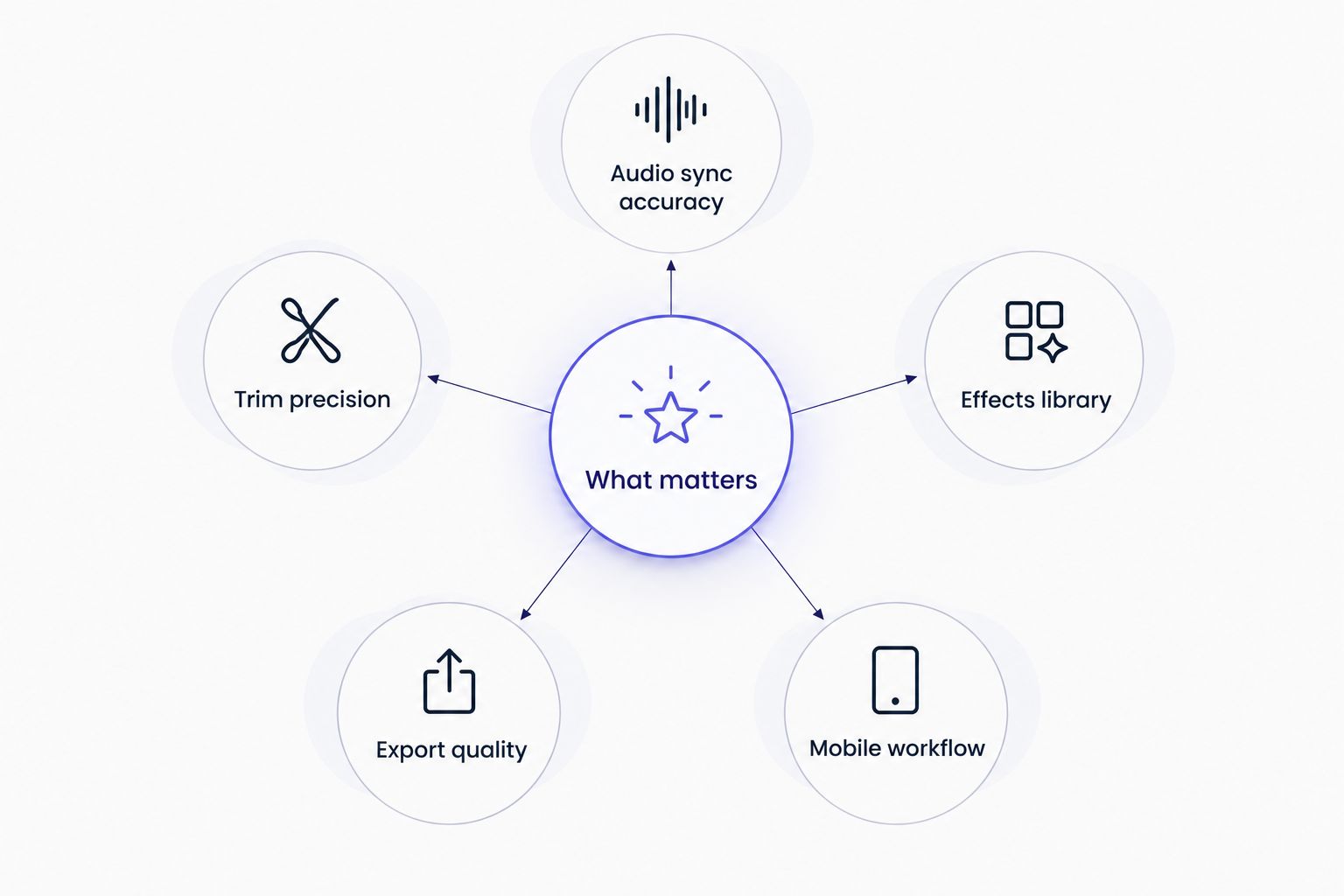
- Audio detection and sync accuracy — can it identify the actual song and lock it to the footage without drift
- Trim and cut precision — frame-accurate cutting for beat-matched edits
- Effects and template library — transitions, filters, text, and trending formats
- Export quality and speed — resolution retained on export, minimal wait
- Mobile-first workflow — usable start to finish on a phone, no desktop required
At a glance: best video editing apps for social media in 2026
| App | Best for | Standout feature | Key limitation |
|---|---|---|---|
| ABCDancer | Dance creators fixing audio | Automatic song detection and sync replacement | Not built for cutting, filters, or transitions |
| CapCut | Effects and templates | Large library of transitions and trending formats | No automatic song detection for a live recording |
| Instagram Reel Editor | Quick native edits | Edit and post without leaving the app | Limited to Instagram's licensed music catalog |
| VN | Lightweight cross-platform trimming | Multi-track timeline, no watermark | No dedicated audio-detection feature |
| Adobe Premiere Rush | Multi-device workflows | Projects sync across phone, tablet, desktop | Steeper learning curve than mobile-only apps |
1. ABCDancer: best video editing app for fixing dance video audio
ABCDancer detects the song playing in a social dance video and replaces the audio with a high-quality track synced to the original footage, rather than asking the creator to search for the track and drag it into place. The sync process runs on the clip directly, adjusting for tempo and matching the beat to the movement instead of just laying a track underneath.
ABCDancer pros:
- Automatic song detection removes the guesswork of naming the exact track and mix
- Sync holds through tempo shifts common in salsa timba and bachata sensual mixes
- Works on raw social footage — no separate audio-mixing app needed
ABCDancer cons:
- Not designed for general cuts, filters, or transitions
- Most useful for partner-dance and social-dance content specifically, less relevant for vlogs
ABCDancer verdict: Buy for anyone posting salsa, bachata, kizomba, or zouk footage where the recorded audio is the weak point.
2. CapCut: best video editing app for effects and templates
CapCut handles cutting, transitions, filters, text overlays, and trending template formats across mobile and desktop. It's the closest thing to an all-purpose editor on this list.
CapCut pros:
- Large effects and transition library
- Multi-track timeline for layering clips
- Cross-platform, mobile and desktop
CapCut cons:
- No automatic song-detection feature — matching a live-recorded track still means manual searching and manual sync
- Trending-sound features favor licensed platform audio over an original DJ mix
CapCut verdict: Buy if visual effects and templates matter more than fixing the audio track itself.
3. Instagram Reel Editor: best video editing app for quick native edits
Instagram's built-in editor lets creators trim clips, add music from Instagram's library, apply filters, and post immediately without exporting anywhere.
Instagram Reel Editor pros:
- No export step, edit and post in one place
- Simple trim and speed controls
- Zero setup, already installed for anyone on Instagram
Instagram Reel Editor cons:
- Limited to Instagram's licensed music catalog, so a live DJ mix from a social often isn't available
- No song-identification or precise sync tool
Instagram Reel Editor verdict: Hold for simple edits posted directly to Instagram; skip it when the original track matters.
4. VN: best video editing app for lightweight cross-platform trimming
VN is a free multi-track editor for iOS, Android, and desktop with keyframe animation and no watermark on export.
VN pros:
- No watermark on exported clips
- Matching mobile and desktop versions
- Frame-accurate trim and cut tools
VN cons:
- No automatic audio detection or sync-replacement feature
- Keyframe animation has a learning curve for new users
VN verdict: Hold for creators who need precise cutting across devices and already have their audio sorted out.
5. Adobe Premiere Rush: best video editing app for multi-device professional workflows
Premiere Rush sits inside Adobe's Creative Cloud ecosystem, syncing projects across phone, tablet, and desktop with multi-track audio and color controls.
Adobe Premiere Rush pros:
- Projects sync across phone, tablet, and desktop
- Integrates with desktop Premiere Pro for deeper edits
- Multi-track audio mixing built in
Adobe Premiere Rush cons:
- Steeper learning curve than single-purpose mobile apps
- Heavier setup than a quick edit-and-post workflow
Adobe Premiere Rush verdict: Wait unless you're already editing longer, multi-clip sequences across several devices.
Fix your dance video audio now
Detect the song and sync a high-quality track in one pass.
How we ranked these apps
Each app is measured against the five criteria above: audio sync accuracy, trim precision, effects library, export quality, and mobile workflow. No single app in 2026 wins on all five — that's the point of a ranked list instead of a single pick. ABCDancer wins on audio sync because that's the one feature the other four don't attempt. CapCut and Adobe Premiere Rush win on effects and multi-track depth. Instagram Reel Editor and VN win on speed and simplicity. For a closer look at tools built specifically for dance audio, the best apps to replace audio in dance videos guide breaks down seven options beyond this list.
The video can look perfect and still feel wrong if the audio drifts even half a beat off the footwork.
Which video editing app should you choose for social media in 2026?
If the recorded audio is the problem — background noise, a muffled phone mic, a DJ mix that doesn't match the footwork — ABCDancer is the default pick because it's the only app on this list built to detect and replace that audio automatically. If the footage is clean and the goal is transitions, filters, and trending formats, CapCut covers more ground. For a fast native edit posted straight to Instagram, use the Instagram Reel Editor. Creators trimming across multiple devices without watermarks should default to VN, and anyone running longer, multi-clip projects across phone and desktop should look at Adobe Premiere Rush.
FAQ
What is the best video editing app for social media in 2026?
There's no single best app for every case. ABCDancer wins for dance creators fixing bad audio, CapCut wins for effects and templates, and Instagram Reel Editor wins for fast native edits.
Is ABCDancer better than CapCut?
ABCDancer and CapCut solve different problems. ABCDancer automatically detects and replaces the audio track in a dance video; CapCut handles cuts, filters, and transitions but has no automatic song-detection feature.
Can I fix bad audio in a dance video without re-filming it?
Yes. ABCDancer detects the song playing in the original clip and replaces it with a high-quality, synced track, so re-filming isn't necessary.
Does Instagram Reel Editor let you swap the audio track?
It lets you add music from Instagram's licensed catalog, but it has no song-identification tool and can't match a live DJ mix or an original recorded track the way a dedicated sync app can.
What's the best app for dance videos specifically?
ABCDancer is built specifically for salsa, bachata, kizomba, and zouk creators who need the exact song identified and synced to their footage, rather than a general-purpose editor.
Is VN or Adobe Premiere Rush better for editing across devices?
VN is lighter and free with no watermark; Adobe Premiere Rush integrates with desktop Premiere Pro and suits longer, multi-clip projects. Pick VN for speed, Rush for depth.
Why does dance video audio get muted on Instagram or TikTok?
Original recordings of DJ mixes or live tracks often trigger copyright mutes. Replacing that audio with a licensed, synced track avoids the issue.
One last thing
Most creators troubleshoot a muted or flagged dance video by re-editing the visuals first, when the actual problem is almost always the audio track itself. Fix the song match before touching the cuts — a beat-matched, licensed audio replacement solves the copyright mute and the sync complaint in one pass instead of two.