CapCut alternatives for dance video editing with beat detection come down to one question: do you need an app that identifies the actual song and fixes the audio, or one that just adds filters on top of bad sound? Best overall for dance video editing with beat detection: ABCDancer. Best for template-heavy editing with manual audio work: CapCut. Best for fast native posting: Instagram Reels Editor.
- ABCDancer wins for dance video editing with beat detection because it identifies the song and auto-syncs a clean track in about 30 seconds.
- CapCut has more transitions and templates but leaves beat matching and audio replacement entirely manual.
- InShot and VN Video Editor handle quick trims well but neither one identifies a song from your footage.
- Instagram Reels Editor posts fastest but locks you into its own trending-sound catalog instead of your original track.
Why this matters
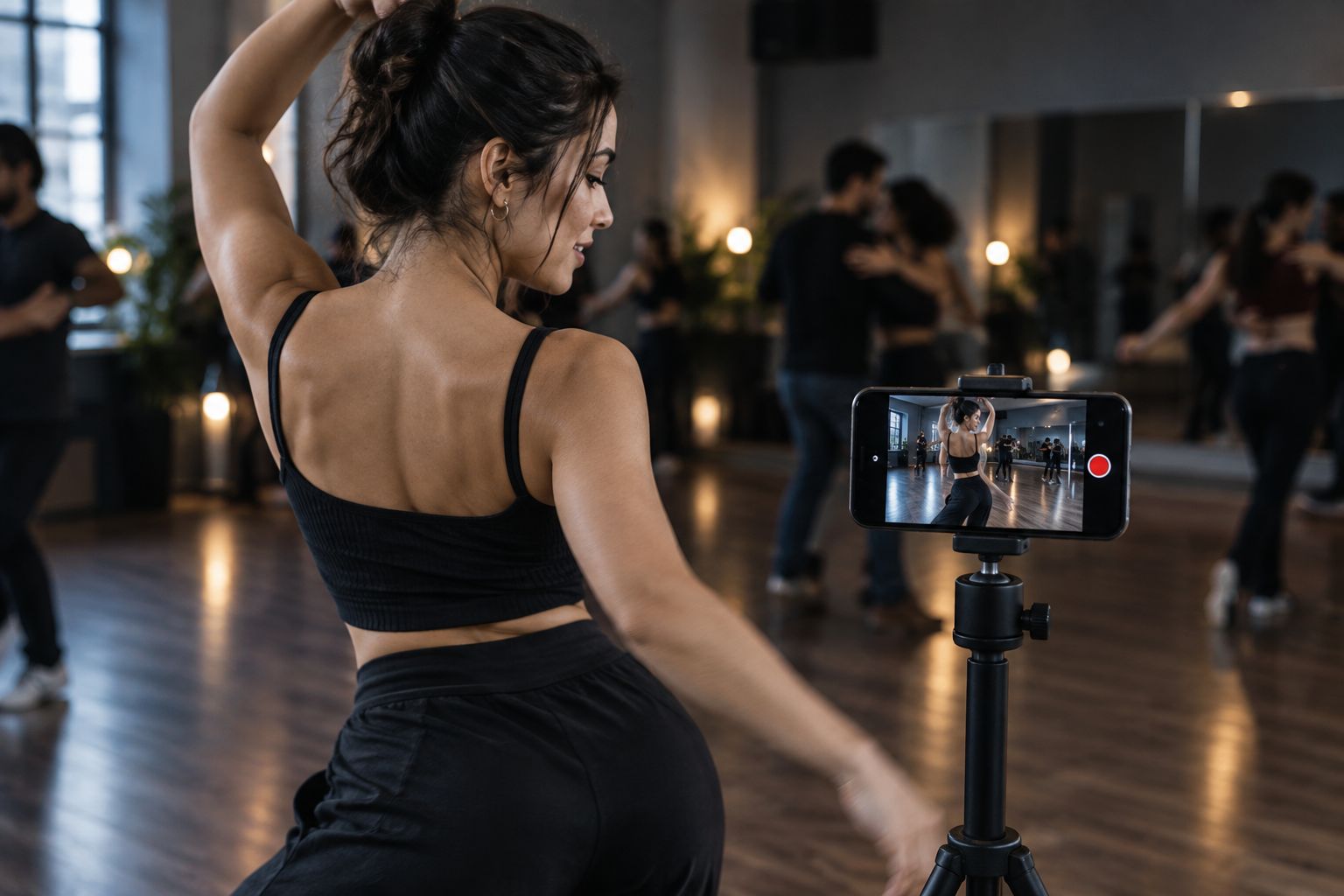
Most dance video audio problems aren't a filming mistake. They're a venue problem: a PA system compressing the highs, a phone mic picking up crowd noise over the actual track, or a DJ mix that's a different tempo than the version you learned the choreography to. CapCut and its general-purpose competitors were built for vloggers and product demos, not for footwork that has to land on a specific beat.
That gap is why "CapCut alternatives for dance video editing with beat detection" has become its own search category in 2026 rather than dancers just tolerating CapCut's manual audio tools. ABCDancer was built specifically to close it: point the app at a raw dance clip, and it detects the song playing in the room and swaps it for a studio-quality, synced version.
What makes the best CapCut alternative for dance video editing with beat detection
The apps below get ranked on five things that actually matter for dance footage, not general editing polish:
- Song identification — can it name the track playing in your raw footage, not just guess a tempo.
- Beat detection accuracy — does it lock onto the real BPM instead of a manual tap-tempo estimate.
- Audio replacement quality — does it swap in a full studio-quality track instead of re-encoding your phone mic audio.
- Sync drift over the full clip — does the audio stay locked to your footwork past the first ten seconds, or drift by the outro.
- Mobile-first workflow — can you finish the fix on your phone between songs at a social, with no desktop step.
At a glance
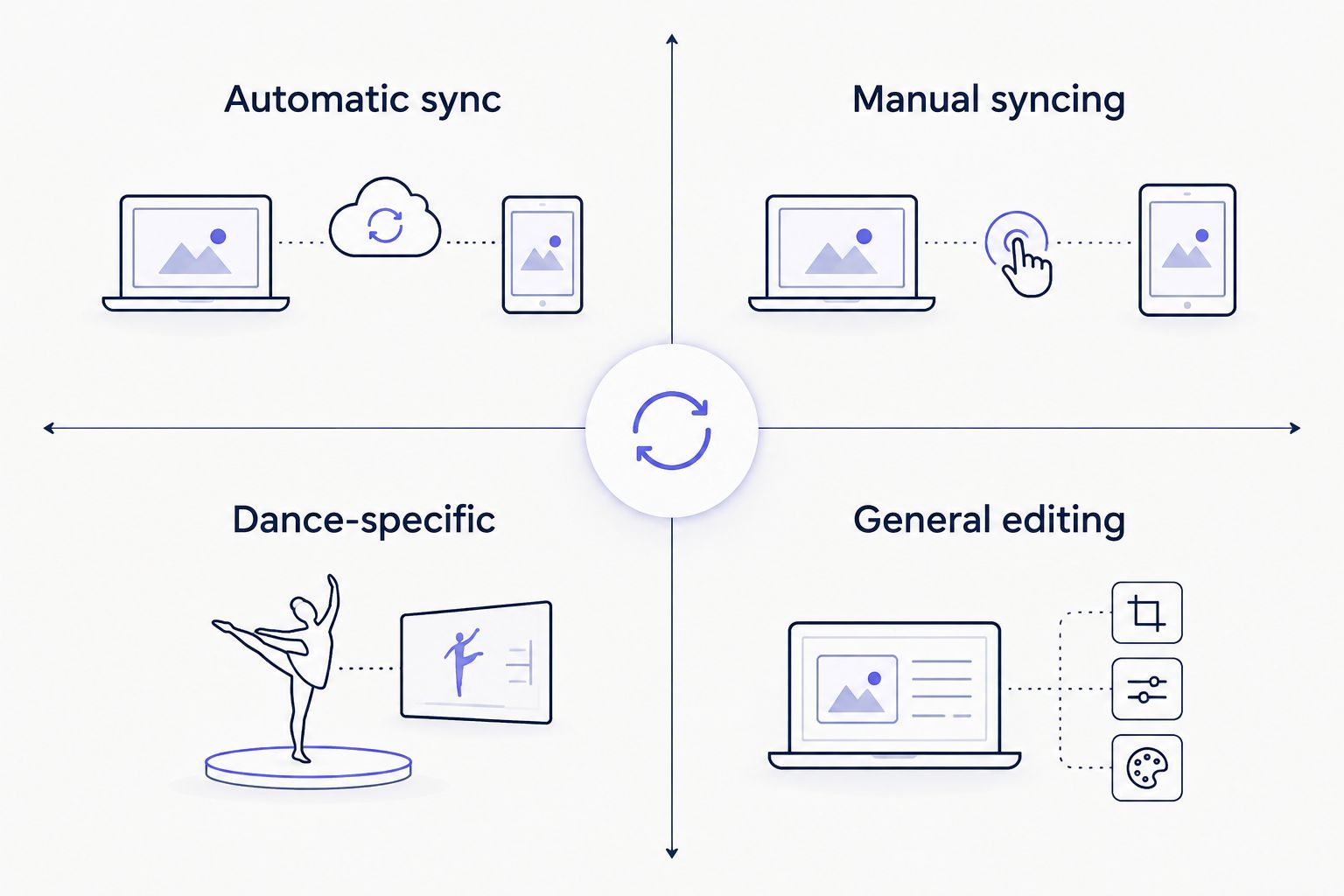
| App | Best for | Standout feature | Key limitation |
|---|---|---|---|
| ABCDancer | Automatic beat-synced audio replacement | Detects the original track and swaps in a studio-quality version | Focused on audio, not color grading or multi-clip stitching |
| CapCut | Templates and visual effects | Large transition and effects library, multi-track timeline | No song identification; beat matching is manual |
| InShot | Quick trims before a repost | Simple drag-trim interface, fast exports | Manual beat matching only, no song ID |
| VN Video Editor | Free manual multi-track syncing | Keyframe-based audio and video tracks, no watermark | Syncing is entirely manual, no detection engine |
| Instagram Reels Editor | Fast native posting | Built-in trending-sound catalog tied to Reels distribution | Can't add an external recording from a live class or show |
1. ABCDancer: best CapCut alternative for automatic beat-synced audio replacement
ABCDancer scans a dance video, identifies the song playing in the room, and replaces the audio with a high-quality, synced track. It's built around one job — fixing dance-video audio — rather than acting as a general editor with an audio afterthought.
ABCDancer pros:
- Identifies the track from the raw footage instead of requiring you to already know the song
- Syncs the replacement audio to the footage automatically instead of manual beat matching
- Works entirely on mobile, useful right after filming at a social or class
- Built around salsa, bachata, kizomba and zouk footage where tempo accuracy actually shows up in the movement
ABCDancer cons:
- No color grading, filters, or caption tools — it's an audio fix, not a full editor
- Not built for multi-clip stitching or long-form edits
Best for: dancers whose main problem is bad room audio or a song they can't identify. Verdict: Buy.
Fix your dance video's audio now
Detect the song and swap in a synced, studio-quality track.
2. CapCut: best for dancers who want templates and visual effects over audio precision
CapCut is a general short-form video editor with a large template and effects library, multi-track timelines, and export presets built for TikTok and Reels. It's widely used across content creation, not specifically for dance.
CapCut pros:
- Large transition, filter, and text-effect library
- Multi-track timeline supports layered edits beyond a single dance clip
- Free tier covers most basic exports
CapCut cons:
- No automatic song identification from footage
- Beat matching and audio replacement are both manual, frame-by-frame work
- General-purpose templates aren't built around dance-specific pacing
Best for: dancers who want heavy visual editing and are fine doing audio sync by hand. Verdict: Hold if audio precision is your main problem; keep it for effects work.
3. InShot: best for fast trims before a quick repost
InShot is a lightweight mobile editor built for trimming, basic overlays, and quick exports. It's a common first stop for dancers who just need to cut a clip down before posting.
InShot pros:
- Simple drag-based trim interface
- Fast exports on mobile
- Basic music overlay for casual clips
InShot cons:
- No song identification
- Beat matching is manual and imprecise for longer routines
Best for: a quick trim-and-post when audio quality isn't the priority. Verdict: Wait — fine for casual clips, not for audio-critical footage.
4. VN Video Editor: best for manual audio syncing without a subscription
VN Video Editor is a free, keyframe-based mobile editor with multi-track audio and video timelines and no watermark on exports. It gives more manual control over sync points than InShot.
VN Video Editor pros:
- Keyframe control over audio placement
- No watermark on exports
- Free multi-track editing
VN Video Editor cons:
- No automatic beat detection or song identification
- Manual syncing takes real time on longer routines
Best for: dancers comfortable doing manual sync work who want a free, ad-light tool. Verdict: Hold for anyone who values speed over manual control.
5. Instagram Reels Editor: best for posting directly to Reels with trending sounds
Instagram's built-in Reels editor lets you trim, add trending audio from Instagram's catalog, and post without leaving the app. It's the fastest path from filmed clip to published Reel.
Instagram Reels Editor pros:
- Fastest native path to posting
- Direct access to Instagram's trending-sound catalog
- No export or upload step needed
Instagram Reels Editor cons:
- Can't add an external recording from your own class, social, or performance audio
- No beat detection against your actual footwork
Best for: dancers posting casual clips who don't need the original recorded track. Verdict: Skip if you need your own performance audio; Buy for trend-driven posting.
How we ranked these
Each app got scored against the five criteria above: song identification, beat detection accuracy, audio replacement quality, sync drift over the full clip, and mobile-first workflow. ABCDancer led on the first three because that's the specific problem it's built to solve in 2026. CapCut and VN Video Editor scored well on general editing flexibility but lost points on manual audio work. InShot and Instagram Reels Editor ranked lowest on precision because neither one is built to detect a song or match a beat.
Which CapCut alternative should you choose?
If the problem is bad room audio, a DJ mix at the wrong tempo, or a song you can't name, ABCDancer is the direct fix — it identifies the track and drops in a synced, high-quality version. If you want heavy visual effects and templates and don't mind syncing audio by hand, CapCut still does that job well. If you're posting casual clips and just want the fastest route into the Instagram algorithm, the native Reels editor gets you there without an extra app, at the cost of using your own recorded audio.
FAQ
What's the best CapCut alternative for dance video editing with beat detection?
ABCDancer is built specifically for this: it detects the song playing in a dance video and replaces the audio with a synced, high-quality track. CapCut and similar general editors require manual beat matching instead.
Is ABCDancer better than CapCut for dance videos?
For audio sync, yes — ABCDancer automatically identifies and replaces the track, while CapCut requires manual work. For visual effects and templates, CapCut still has a larger library.
Can CapCut automatically detect the song in a dance video?
No. CapCut does not identify a song from footage; you have to know the track and sync it manually on the timeline.
Does the Instagram Reels editor sync audio to dance movement automatically?
No. It lets you add music from Instagram's trending-sound catalog, but it does not detect the original track from your footage or beat-match it to your movement.
What causes audio to drift out of sync in dance videos?
Drift usually comes from a phone recording at a slightly different frame rate than the audio track, or from manual syncing that only lines up the first few seconds. Longer clips need the audio locked across the whole routine, not just the intro.
Which app works best for salsa, bachata, kizomba, or zouk video creators specifically?
ABCDancer is built around these social dance styles, where tempo accuracy shows up directly in footwork timing. General editors like CapCut and InShot aren't tuned to that use case.
Do I need a desktop editor for dance video audio sync in 2026?
No. ABCDancer, CapCut, InShot, and VN Video Editor all run fully on mobile in 2026, so you can fix and export a clip without a laptop.
How much manual work does beat matching take in InShot or VN Video Editor?
Both require you to place the audio track by hand and adjust it against your footage, which takes real time on a full routine compared to an app that detects the beat automatically.
One last thing
The audio problem in most dance footage doesn't start with the phone — it starts with the room. A venue's PA system compresses highs and lows before your mic ever picks up the track, which is why re-shooting rarely helps. Swapping in a clean version of the actual song after filming fixes what no filter or transition in CapCut can touch.